Engineers and service teams
Machine details, issue descriptions and tasks stay connected to the relevant equipment.
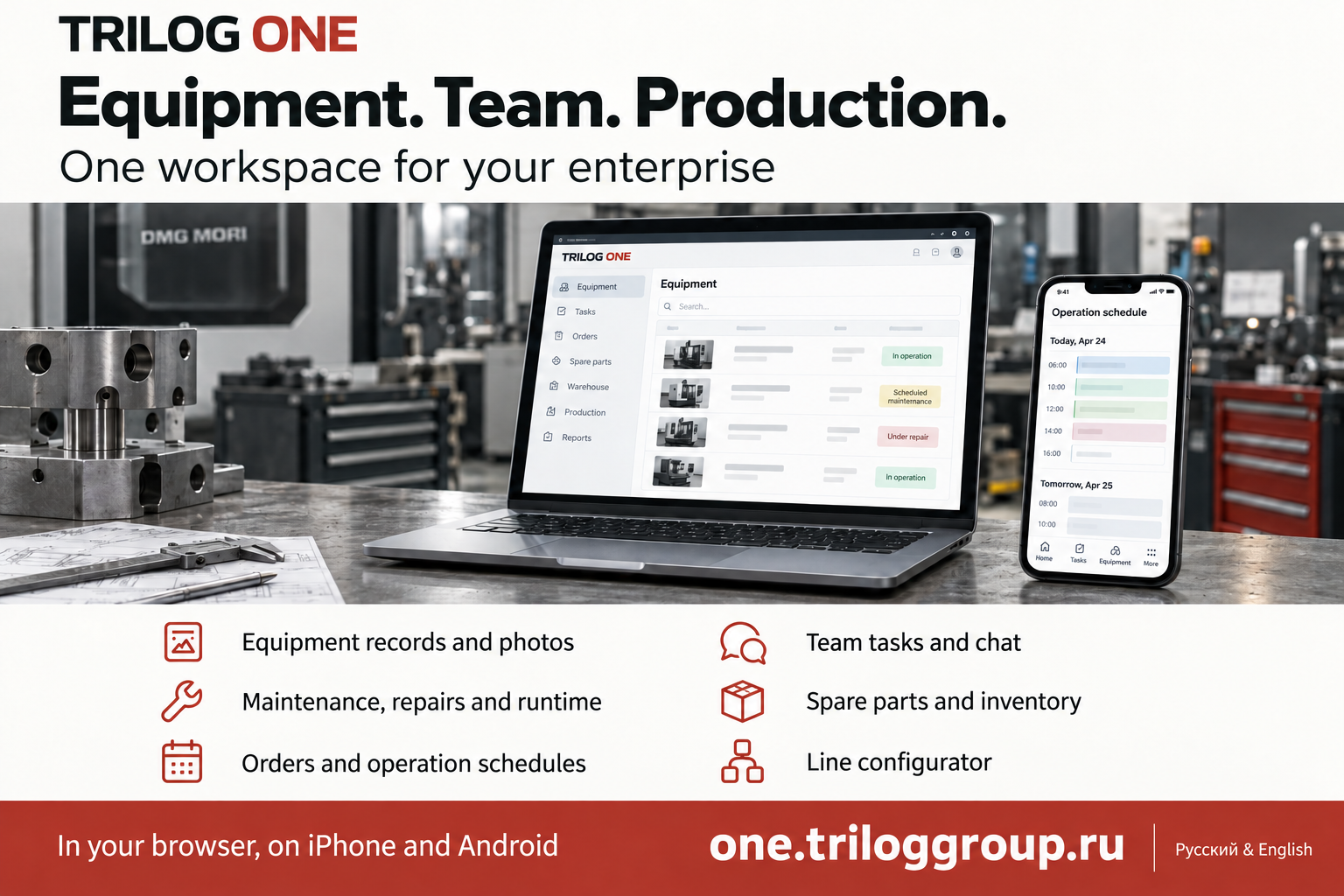
TRILOG ONE is a workspace for your company: equipment records, service and spare parts requests, tasks and work history. In your desktop browser and on your phone.
Request access for your company or an individual workspace. Access starts after approval.ONE connects equipment, people and spare parts in a shared workspace. Operators record events, supervisors assign owners, engineers track repairs, and procurement sees parts requirements.
Heater production and screw and screw-element production. The workflows below show how to connect manufacturing routes, equipment and teamwork in ONE.
TRILOG production site: 15 employees. The route depends on the heater design.
Production routing and records in ONE
Drawing, dimensions, power and connections. For cast heaters: prepare the mould and heating element.
Bronze, brass or aluminium casting to the product design. Machining, assembly and electrical connections.
Order and operations, equipment, materials and time. Work instructions and inspection records stay linked to the order.
Record inspection results against the drawing and work instructions. Assign rework when required.
Maintain machine records, usage readings and maintenance plans. Record downtime, repairs and part replacements.
Assign tasks, discuss issues in chat and record labour time. Export records for analysis.
Instead of searching separate spreadsheets and conversations, use one equipment record, a clear owner and retained history. ONE helps organize work; repair and return-to-service decisions remain with your qualified staff.
Discuss accessNo account is needed to view this presentation. Company data requires an organization account. Pricing and access terms are discussed separately.

Keep equipment details ready for every request. A machine record connects its model, serial number and location with your company’s requests and tasks.
Keep your equipment in one list. Find a machine by name, model or serial number. Record its location and current state: operating, under maintenance or stopped.
Sign in to ONEMachine details, issue descriptions and tasks stay connected to the relevant equipment.
A shared view of equipment, requests and unfinished tasks helps identify what needs attention.
Parts and equipment selection requests are linked to a model and serial number, with the original description preserved.
Open ONE in a browser or add it to your iPhone or Android home screen. Use the same account to access your company’s data across devices.
Install on your phoneThe web app is available now. An internet connection is required for company data. App Store and Google Play versions are not published yet.Enter your company and work email. After approval, use your invitation to create a separate ONE password.
Enter the machine’s name, model and location. Add its serial number to identify it accurately.
Create requests and tasks for your equipment. Return to them from a computer or your phone.
Switch the interface language while keeping the same company data. Requests retain the language in which they were written. Country, currency and time zone are configured separately.
Equipment passports and photos, journals, tasks and completion review, chats, maintenance and usage, downtime, instructions and work time, spare parts inventory and reports. Production orders, operation routing, scheduling and a line configurator. Russian and English interfaces.
The equipment and parts catalogue is available in ONE; entries and specifications expand after review. Next are tests on physical devices, a broader range and separate Apple and Google store releases. CRM delivery and manager handling remain separate stages.
This is a separate workspace for your company’s equipment and requests. The main website presents TRILOG GROUP and its offerings; ONE supports everyday work after your company is connected.
ONE uses a separate account. Request access first, then create a ONE password after approval. Shared sign-in with the CRM and portal is not connected yet.
You can use the web app immediately. Add it to the home screen on iPhone or Android using the instructions on our installation page.
The application separates data by company. Each user works within the company associated with their account.
Open the request details and refresh delivery. “Received by TRILOG CRM” confirms receipt. If delivery is not confirmed, use the main website contacts and quote your request reference.
Open your workspace or save ONE on your phone.